1.创建Maven项目
工程目录如图: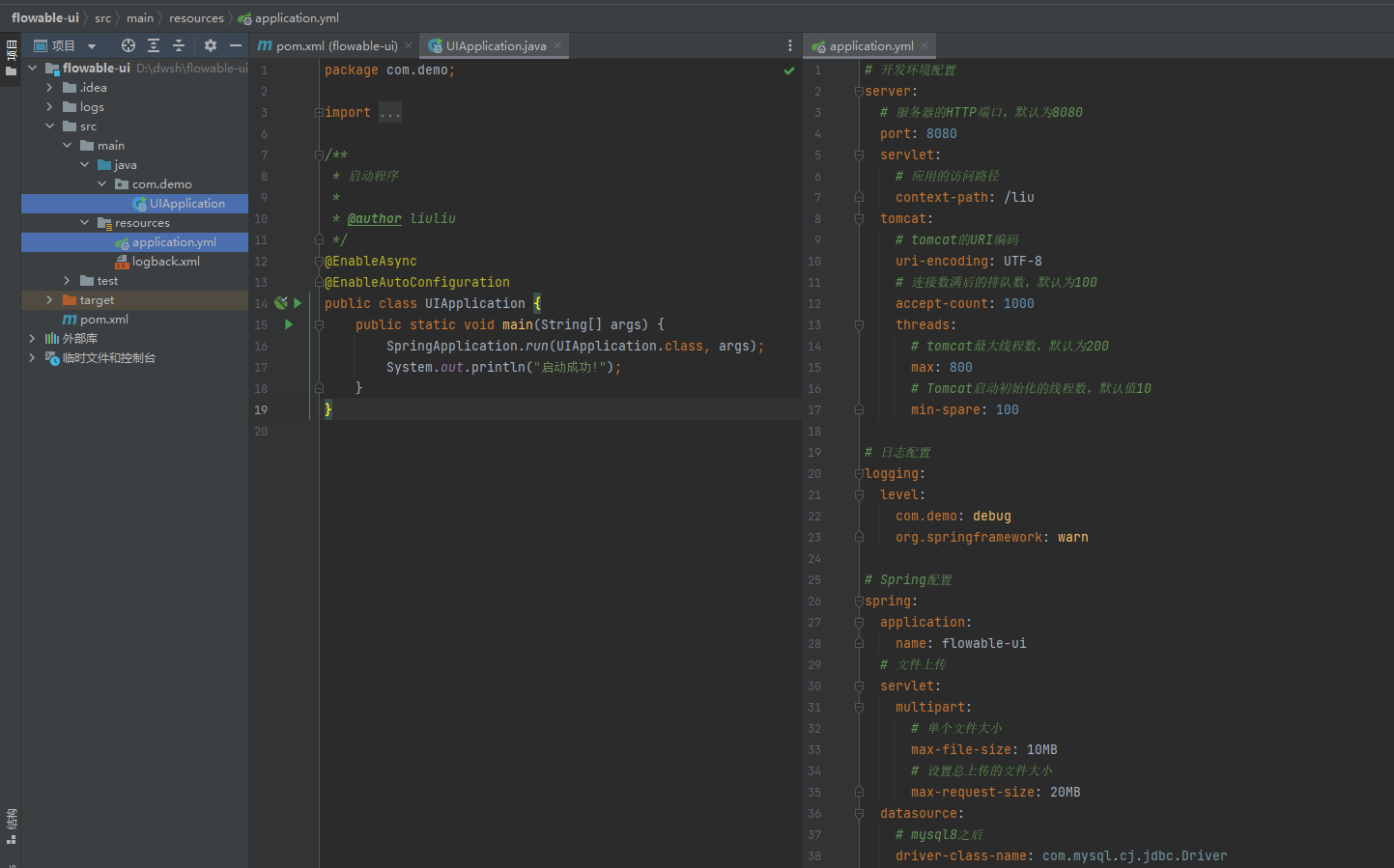
2.项目配置
application.yaml配置
# 开发环境配置
server:
  # 服务器的HTTP端口,默认为8080
  port: 8080
  servlet:
    # 应用的访问路径
    context-path: /flowable
  tomcat:
    # tomcat的URI编码
    uri-encoding: UTF-8
    # 连接数满后的排队数,默认为100
    accept-count: 1000
    threads:
      # tomcat最大线程数,默认为200
      max: 800
      # Tomcat启动初始化的线程数,默认值10
      min-spare: 100

# 日志配置
logging:
  level:
    com.demo: debug
    org.springframework: warn

# Spring配置
spring:
  application:
    name: flowable-ui
  # 文件上传
  servlet:
    multipart:
      # 单个文件大小
      max-file-size: 10MB
      # 设置总上传的文件大小
      max-request-size: 20MB
  datasource:
    driver-class-name: com.mysql.cj.jdbc.Driver
    url: jdbc:mysql://127.0.0.1:3306/flowable?useUnicode=true&characterEncoding=utf8&tinyInt1isBit=false&useSSL=false&serverTimezone=GMT&nullCatalogMeansCurrent=true
    username: flowable
    password: flowable@Dw

flowable:
  idm:
    app:
      admin:
        # 登录的用户名
        user-id: admin
        # 登录的密码
        password: admin
        # 用户的名字
        first-name: yuan
        last-name: fun

jpa:
  properties:
    hibernate:
      hbm2ddl:
        auto: update
      dialect: org.hibernate.dialect.MySQL5InnoDBDialect
  open-in-view: true

debug: true
pom.xml配置
<?xml version="1.0" encoding="UTF-8"?>
<project xmlns="http://maven.apache.org/POM/4.0.0"
         xmlns:xsi="http://www.w3.org/2001/XMLSchema-instance"
         xsi:schemaLocation="http://maven.apache.org/POM/4.0.0 http://maven.apache.org/xsd/maven-4.0.0.xsd">
    <modelVersion>4.0.0</modelVersion>

    <groupId>org.example</groupId>
    <artifactId>flowable-ui</artifactId>
    <version>1.0-SNAPSHOT</version>

    <properties>
        <maven.compiler.source>8</maven.compiler.source>
        <maven.compiler.target>8</maven.compiler.target>
        <project.build.sourceEncoding>UTF-8</project.build.sourceEncoding>
        <project.reporting.outputEncoding>UTF-8</project.reporting.outputEncoding>
        <java.version>1.8</java.version>
        <hutool.version>5.8.26</hutool.version>
        <flowable.version>6.7.2</flowable.version>
        <skipTest>true</skipTest>
    </properties>

    <dependencyManagement>
        <dependencies>
            <dependency>
                <groupId>org.springframework.boot</groupId>
                <artifactId>spring-boot-dependencies</artifactId>
                <version>2.5.15</version>
                <type>pom</type>
                <scope>import</scope>
            </dependency>

            <dependency>
                <groupId>cn.hutool</groupId>
                <artifactId>hutool-all</artifactId>
                <version>${hutool.version}</version>
            </dependency>

            <dependency>
                <groupId>org.flowable</groupId>
                <artifactId>flowable-engine</artifactId>
                <version>${flowable.version}</version>
            </dependency>

            <dependency>
                <groupId>org.flowable</groupId>
                <artifactId>flowable-spring-boot-starter-process</artifactId>
                <version>${flowable.version}</version>
            </dependency>

            <dependency>
                <groupId>org.flowable</groupId>
                <artifactId>flowable-spring-boot-starter</artifactId>
                <version>${flowable.version}</version>
            </dependency>

            <!-- idm依赖提供身份认证 -->
            <dependency>
                <groupId>org.flowable</groupId>
                <artifactId>flowable-spring-boot-starter-ui-idm</artifactId>
                <version>${flowable.version}</version>
            </dependency>

            <!-- modeler绘制流程图 -->
            <dependency>
                <groupId>org.flowable</groupId>
                <artifactId>flowable-spring-boot-starter-ui-modeler</artifactId>
                <version>${flowable.version}</version>
            </dependency>

        </dependencies>
    </dependencyManagement>

    <dependencies>

        <dependency>
            <groupId>org.springframework.boot</groupId>
            <artifactId>spring-boot-starter</artifactId>
        </dependency>

        <dependency>
            <groupId>org.springframework.boot</groupId>
            <artifactId>spring-boot-starter-web</artifactId>
        </dependency>

        <dependency>
            <groupId>org.springframework.boot</groupId>
            <artifactId>spring-boot-starter-aop</artifactId>
        </dependency>

        <dependency>
            <groupId>javax.servlet</groupId>
            <artifactId>javax.servlet-api</artifactId>
        </dependency>

        <dependency>
            <groupId>org.flowable</groupId>
            <artifactId>flowable-engine</artifactId>
        </dependency>

        <dependency>
            <groupId>org.flowable</groupId>
            <artifactId>flowable-spring-boot-starter-process</artifactId>
        </dependency>

        <dependency>
            <groupId>org.flowable</groupId>
            <artifactId>flowable-spring-boot-starter</artifactId>
        </dependency>

        <!-- idm依赖提供身份认证 -->
        <dependency>
            <groupId>org.flowable</groupId>
            <artifactId>flowable-spring-boot-starter-ui-idm</artifactId>
        </dependency>

        <!-- modeler绘制流程图 -->
        <dependency>
            <groupId>org.flowable</groupId>
            <artifactId>flowable-spring-boot-starter-ui-modeler</artifactId>
        </dependency>

        <!-- jpa -->
        <dependency>
            <groupId>org.springframework.boot</groupId>
            <artifactId>spring-boot-starter-data-jpa</artifactId>
        </dependency>

        <!-- mysql驱动 -->
        <dependency>
            <groupId>mysql</groupId>
            <artifactId>mysql-connector-java</artifactId>
        </dependency>

    </dependencies>

</project>
3.启动项目
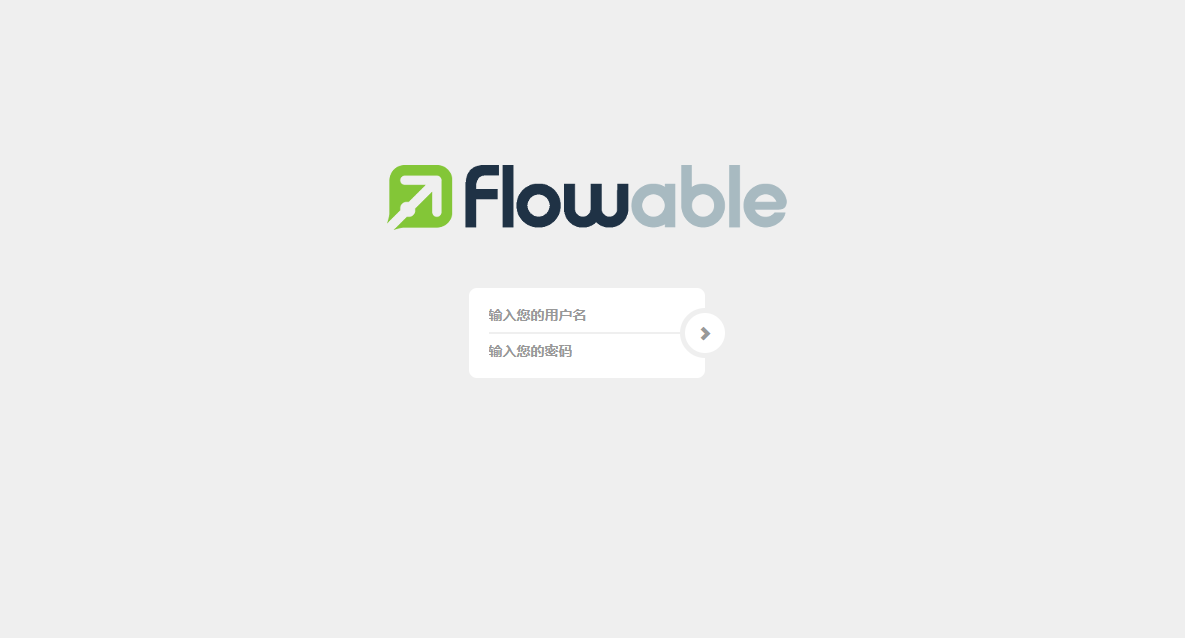
使用yaml配置的用户名密码登录
作者:yuanfun 创建时间:2025-01-08 15:37
最后编辑:yuanfun 更新时间:2025-01-16 13:51
最后编辑:yuanfun 更新时间:2025-01-16 13:51